
The release line
From a build to both stores.
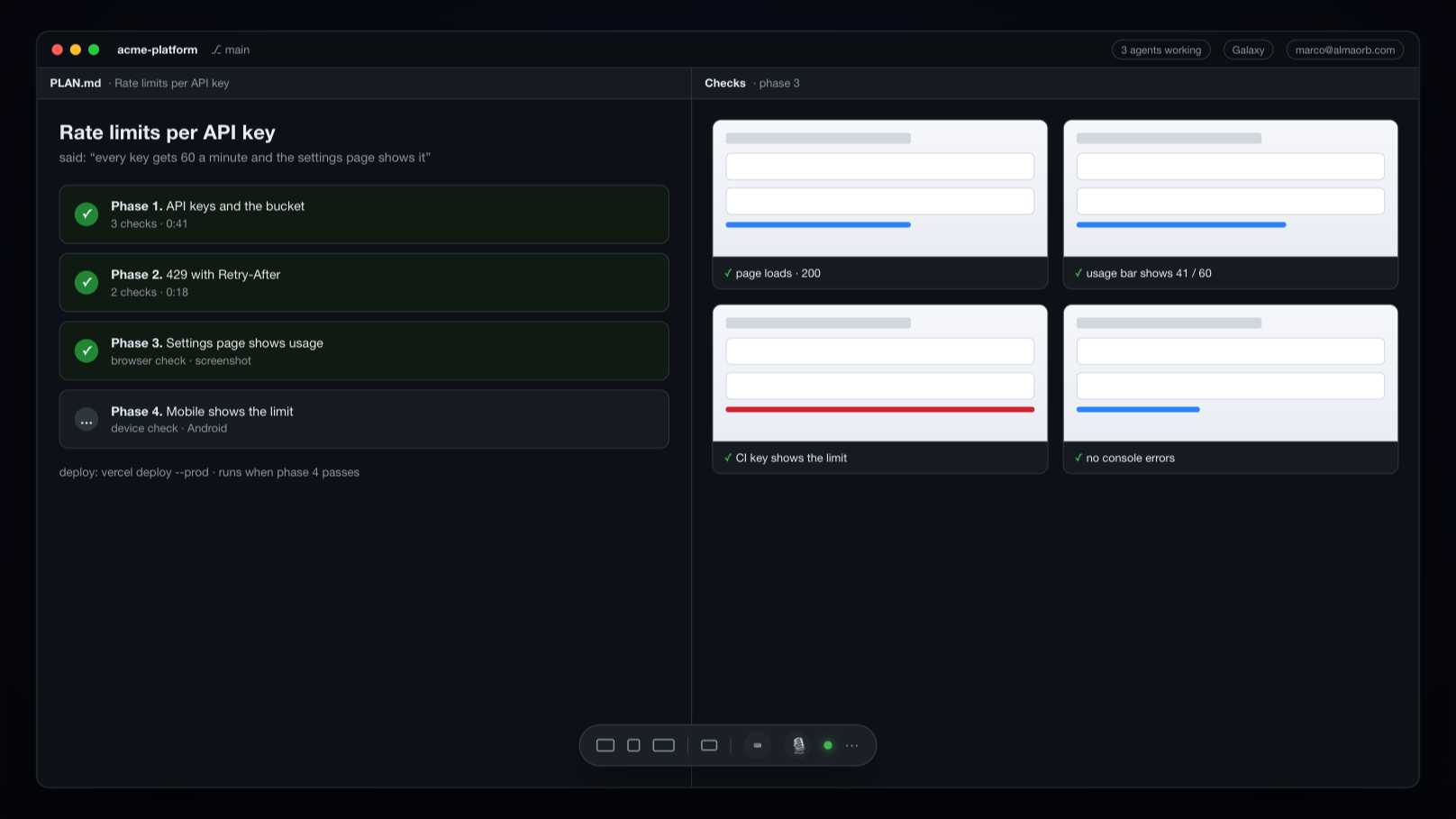
One line for the App Store and Google Play: checked against their rules, uploaded, submitted, watched until it is out, and monitored after.
The line
Nine stops, none skipped
- 01
The rules
Apple's review guidelines and Google's policy pages are fetched and compared with the last copy, so a rule that changed is seen before you submit.
- 02
Preflight
The automatic check of the code, the built app, the store records and the live server. Its report is written down; a fail stops the line.
- 03
On real phones
The reviewer's walkthrough, done on a real iPhone and a real Android phone and recorded with screenshots for this exact build.
- 04
Upload
The version, the texts, the review notes, the screenshots for every device size and the build, to both stores.
- 05
TestFlight
The build to your team, and to a public link through Apple's beta review.
- 06
Submit
Sent for review on both stores. Refused by Alma itself without a passing preflight for this build.
- 07
The review, watched
The review state is read every three hours and on Apple's own notifications. A change reaches you on the Mac and in Alma.
- 08
Release
Your button. On Google Play the rollout goes out in stages, 10, 50, then 100 percent, and can be halted.
- 09
After
Crashes, hangs and new reviews of the live build, checked for you. A rollout halts when crashes pass your limit.
Why a browser
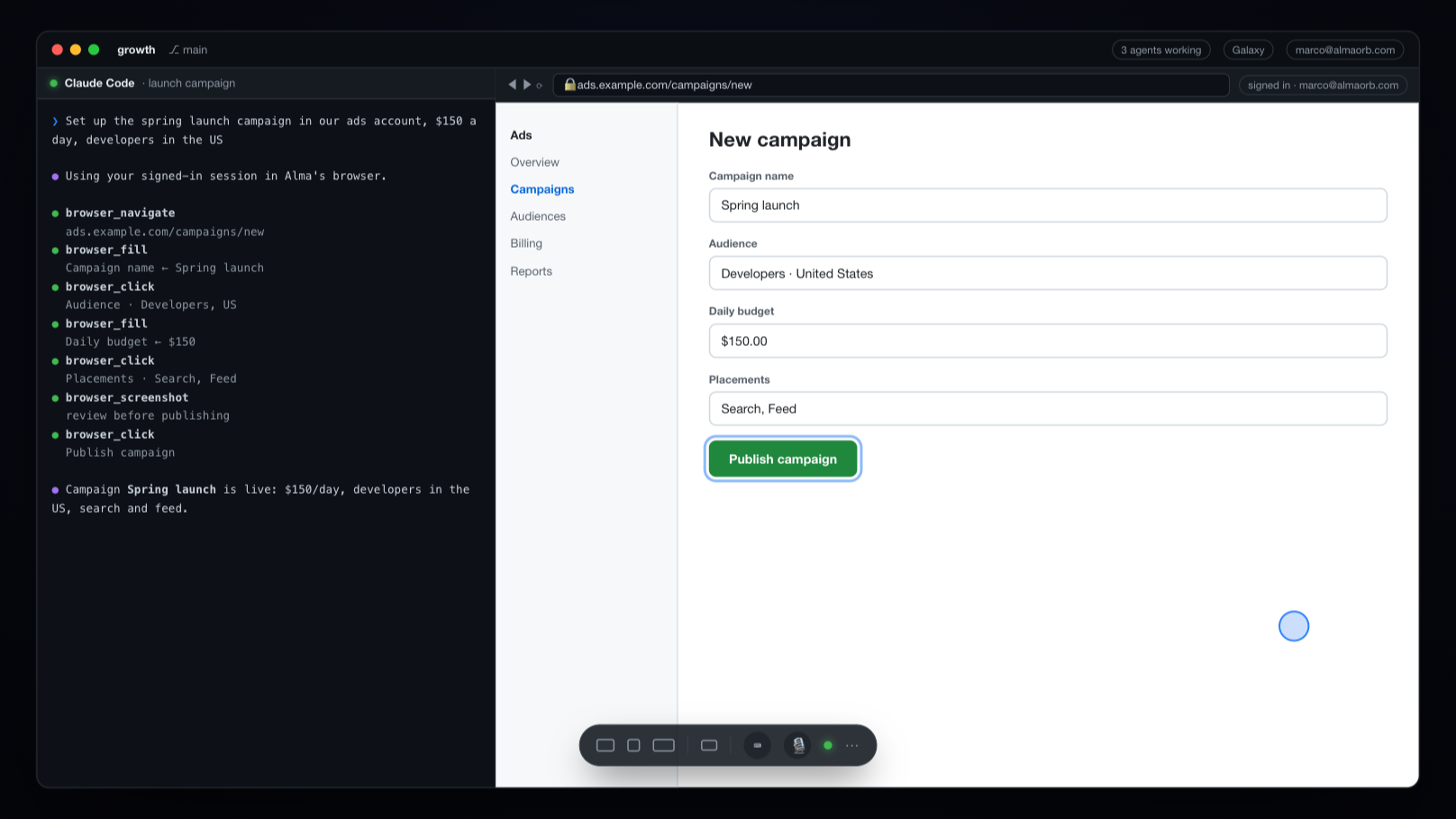
The store consoles are web pages. Alma signs in.
Some of what the stores ask for has no API: Google Play's review state, parts of the consoles, the forms a new app needs. Alma's built-in browser, signed in as you, reads and fills them, so the line does not stop where the APIs do.
Before review
The reviewer's walk, on real phones first.
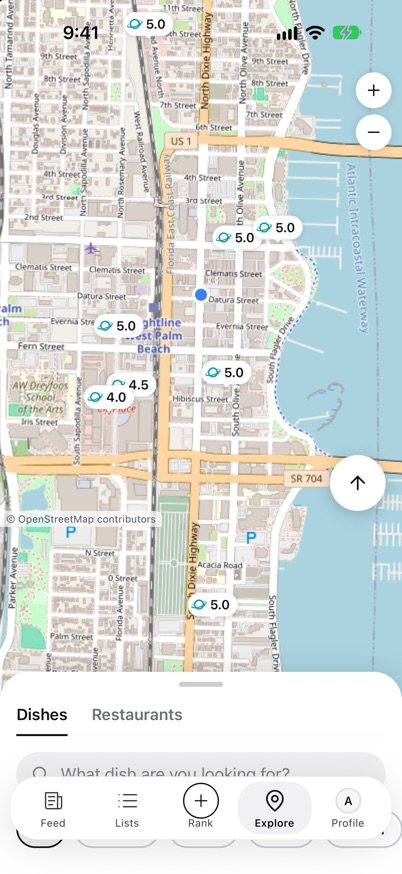
Apple and Google test your app by hand. Alma walks the same path on a real iPhone and a real Android phone before they do, and keeps the screenshots with the build.
Built from rejections
What preflight looks for
- 01
The demo account
Signs in on the live server and checks it is in the state your review notes promise.
- 02
Consent before AI
Follows the code to check that nothing reaches an AI provider before the user has agreed.
- 03
Sign-in and deletion
Sign in with Apple where it is required, and account deletion in the app and on the web.
- 04
The legal pages
Privacy, terms and support pages answer, and name the company that owns the app.
- 05
The built app
Permissions, versions and build numbers in the archive and the bundle match what the store expects.
- 06
Subscriptions
A new subscription that would ride along with a version is caught before it blocks the review.
Updates
Fix it without a new review
- JavaScript-only fixes
- Published over the air to the installed apps, after a comparison with the build that is live in each store
- Native changes
- Refused for over-the-air; they go through the release line
- Both platforms
- iPhone and Android, each compared with its own live build
Shipped from this line
Four apps, both stores
- 01
Dishorb
Best dish near you.
- 02
LearnVibe
Learn a language with an AI avatar teacher.
- 03
MyHoma
Emotional wellbeing, face to face with an AI.
- 04
Regulusys
An AI longevity coach.
Questions
About the release line
Does Alma guarantee that Apple or Google approve my app?
No. Approval is Apple's and Google's decision. Alma's preflight exists to catch what they are known to reject before you submit: a demo account in the wrong state, AI used before consent, missing account deletion, legal pages that do not answer, and mismatched builds.
Which stores does Alma's release line support?
The Apple App Store, including TestFlight, and Google Play, including staged production rollout. One configuration per app covers both.
Can Alma update my app without a new review?
For JavaScript-only changes in apps that support over-the-air updates, yes. Alma compares the change with the build that is live in each store and refuses when anything native changed, because that needs a store release.
Do I need my own Apple and Google developer accounts?
Yes. Alma uses your App Store Connect API key, your Google Play service account, and its browser signed in as you. Keys stay on your Mac.